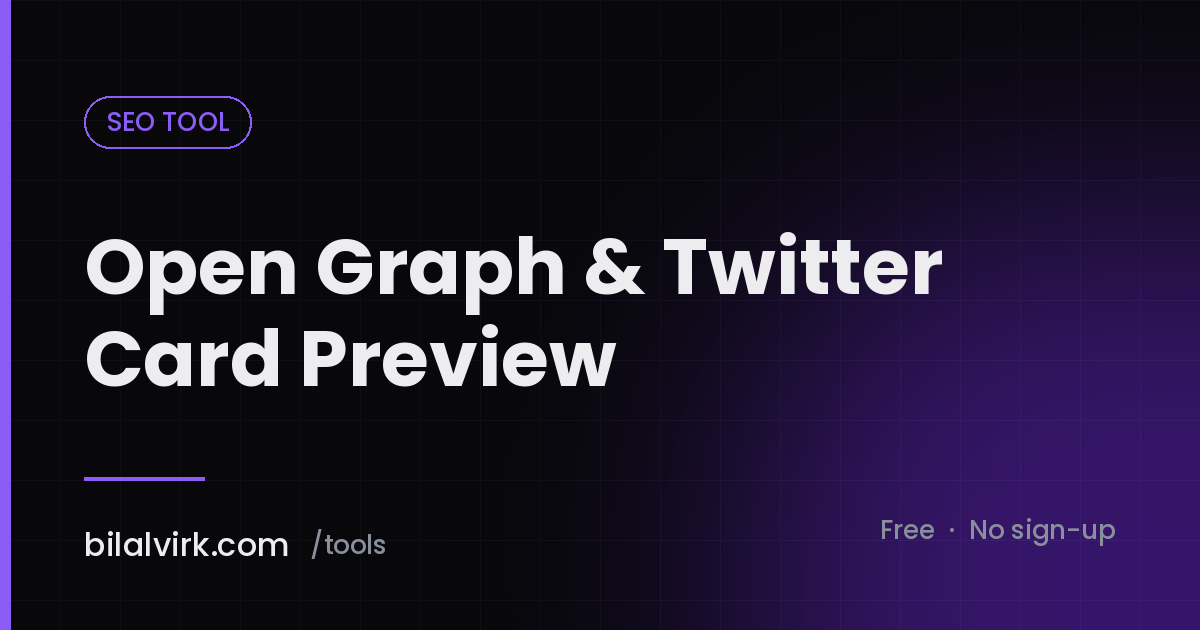
Open Graph & Twitter Card Preview
Paste your Open Graph and Twitter Card tags to see how the link will render on Facebook, LinkedIn, X and WhatsApp, and get a generated tag block with the required properties filled in. Runs in your browser.


<meta property="og:type" content="website" />
<meta property="og:site_name" content="Bilal Virk" />
<meta property="og:title" content="Twilio Cost Calculator" />
<meta property="og:description" content="Price a Twilio deployment properly: numbers, SMS segments, carrier pass-through fees, voice minutes and A2P registration in one place." />
<meta property="og:url" content="https://bilalvirk.com/tools/twilio-cost-calculator" />
<meta property="og:image" content="https://bilalvirk.com/img/tools/twilio-cost-calculator.png" />
<meta property="og:image:width" content="1200" />
<meta property="og:image:height" content="630" />
<meta property="og:image:alt" content="Twilio Cost Calculator" />
<meta name="twitter:card" content="summary_large_image" />
<meta name="twitter:title" content="Twilio Cost Calculator" />
<meta name="twitter:description" content="Price a Twilio deployment properly: numbers, SMS segments, carrier pass-through fees, voice minutes and A2P registration in one place." />
<meta name="twitter:image" content="https://bilalvirk.com/img/tools/twilio-cost-calculator.png" />
<link rel="canonical" href="https://bilalvirk.com/tools/twilio-cost-calculator" />
A shared link that renders as a bare URL with no image loses most of its clicks. Paste your existing Open Graph and Twitter Card tags to see the card each platform will build, find the properties you are missing, and copy a corrected block.
What this tool does
Paste the <meta> tags from your page head — or fill in the fields directly — and the tool renders four preview cards: Facebook, LinkedIn, X and WhatsApp. Each platform uses a different subset of the same properties and falls back differently when one is missing, which is why a link can look perfect on one network and broken on another.
It also generates a complete tag block you can copy into your head, with the required Open Graph properties present and the Twitter Card properties that X still reads.
A worked example
A page has og:title and og:description but no og:image. Facebook and LinkedIn will scrape the page and pick an image themselves — often a logo, a sidebar avatar or nothing at all. X falls back to a summary card with no image. WhatsApp shows the title and a grey placeholder.
Add og:image at 1200×630 with an absolute URL, plus og:image:alt and twitter:card set to summary_large_image, and all four render the same large card. The tool shows the before and after side by side.
The properties that matter
| Property | Required | Notes |
|---|---|---|
og:title |
Yes | Falls back to <title> on most platforms |
og:type |
Yes | website or article |
og:image |
Yes in practice | Absolute URL, 1200×630, under 5MB |
og:url |
Yes | Should match your canonical |
og:description |
Recommended | 2–4 lines renders best |
og:image:alt |
Recommended | Accessibility, and a signal of care |
twitter:card |
Recommended | summary_large_image for a big image |
The canonical definition of these properties is the Open Graph protocol specification, which is short and worth reading once in full.
Where people go wrong
Using a relative image path. og:image must be an absolute URL with the scheme included. A relative path resolves for a browser and for nothing else.
Letting og:url disagree with the canonical. Platforms use og:url to deduplicate shares and to aggregate engagement counts. If it points somewhere other than your canonical URL, your share counts split across two addresses. Google's guidance on choosing a canonical URL explains why the two should agree.
Expecting an updated image to appear immediately. Every platform caches aggressively. Changing the image and resharing usually shows the old card until you force a re-scrape through the platform's own debugger.
Using the wrong aspect ratio. 1200×630 is roughly 1.91:1 and is the safe choice. Square images get cropped unpredictably; very wide images get letterboxed.
Blocking the image with robots.txt. Some platforms respect it, and the card silently loses its image. Check your rules with the robots.txt tester if an image will not appear.
FAQ
Does this fetch my live page?
No. Browsers block cross-origin requests to arbitrary sites, so a client-side tool cannot fetch your URL and read its head. Paste the tags instead — view source, copy everything between the head tags, and the parser will pull out what it needs.
Do I still need Twitter Card tags?
X reads Open Graph tags as a fallback, so a page with complete OG tags will render. Adding twitter:card is what upgrades a small summary to a large image card, so it is still worth including.
Why does LinkedIn show an old image?
LinkedIn caches scraped previews for a considerable period. Use its own Post Inspector to force a refresh; changing the image URL by adding a query string also works.
What size should the image be?
1200×630 pixels, under 5MB, in JPEG or PNG. Keep any text in the image large — the card is often rendered at a third of that size on a phone.
Does any of this affect rankings?
Not directly. It affects how many people click a shared link, which affects traffic and the signals that follow from traffic.
Next steps
Check the search result alongside the social card with the SERP preview tool, and confirm the head is complete with the SEO Meta Tag Analyzer. If titles or descriptions are overflowing, the meta length checker shows exactly where.
Sharing the same post across several networks by hand? How to Automate Social Media Posting sets out a pipeline that does it once.
Want the whole publishing stack reviewed? Book a discovery call.
Want this built against your real numbers?
A 30-minute call to scope the workflow, agent, or automation you actually need.
More seo tools
All tools
301 Redirect Rule Generator
Turn a list of old and new URLs into redirect rules for Apache htaccess, Nginx, Cloudflare or Netlify. Detects redirect chains and loops before you deploy them, and handles bulk migrations from a pasted list.

Canonical Tag Generator
Generate a correct rel=canonical tag from any URL. Normalises the scheme, strips tracking parameters, resolves trailing slash and case issues, and warns about the canonical mistakes that quietly deindex pages.
Content Brief Generator
Generate a complete SEO content brief from any keyword, ready to hand to a writer, then audit it against Google Search Central guidance so you are not briefing a word count Google has publicly said it does not have.

Google SERP Preview Tool
See how your page will look in Google results on desktop and mobile before you publish. Renders the title link, breadcrumb URL and snippet with realistic truncation, and highlights query terms the way Google bolds them.

Hreflang Tag Generator
Build a complete, reciprocal hreflang set for a multilingual page and export it as link tags, an HTTP header block or XML sitemap entries. Validates language and region codes and adds x-default automatically.

Keyword Clustering Tool
Group any keyword list by topic and search intent to decide which terms belong on one page and which need their own. Includes a worked example run against 117 real published posts and what Google actually does when two of your pages overlap.
Have a workflow that's burning hours every week?
Bring me one real bottleneck. I'll tell you whether it's worth automating, and what it would take.